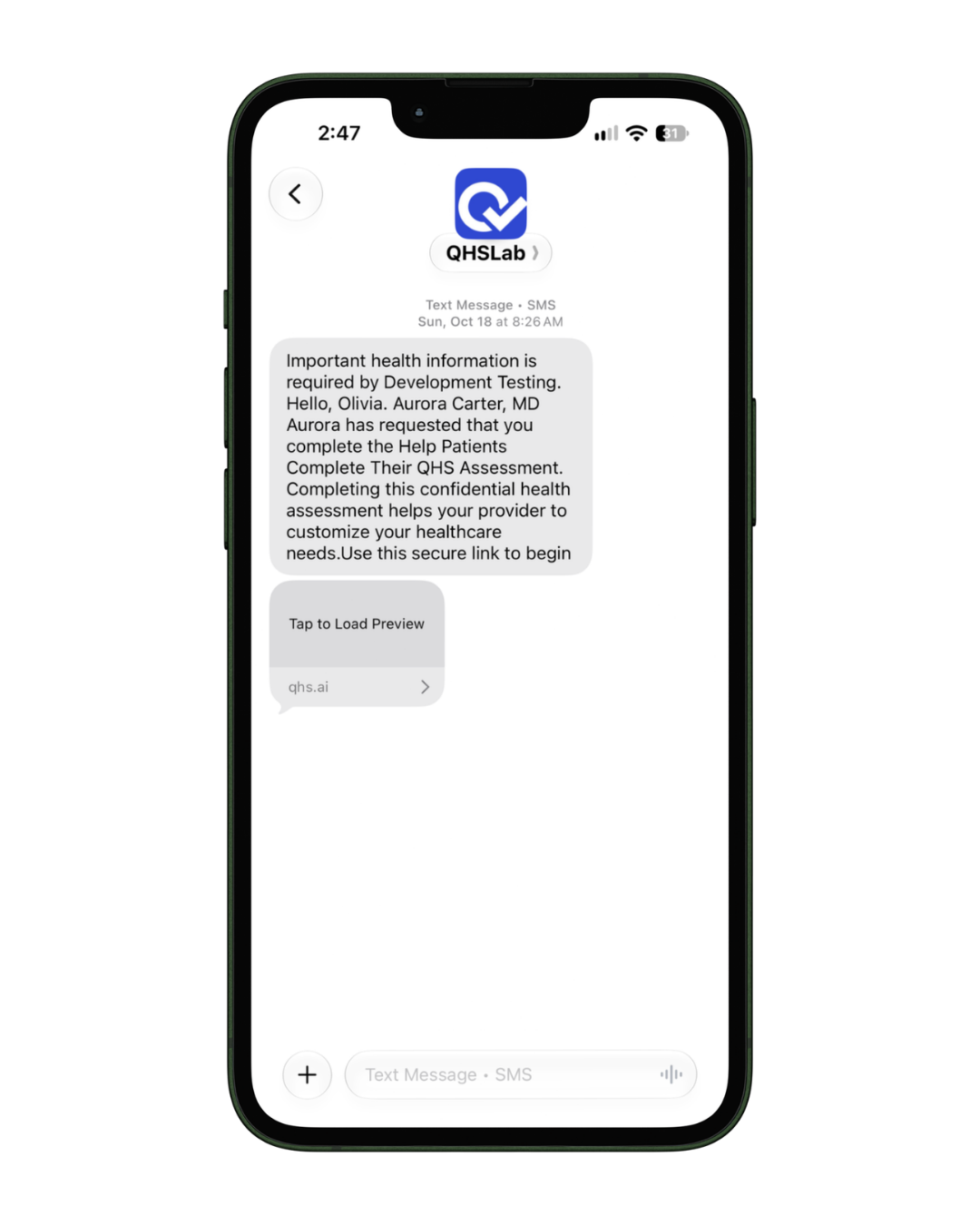
Find the message
Look for a text from your medical practice with a link to your health assessment.
BEFORE YOUR EXAM TODAY
Your care team has sent a secure text with a link to your health assessment. Complete it before your visit so your provider has time to review your answers.
This page is an overview. Use the personal secure link in your provider’s message to complete the assessment.
WHAT TO DO
The assessment is designed to be completed before your appointment.
Look for a text from your medical practice with a link to your health assessment.
Use the link in the message to access your personal assessment.
Answer the questions as best you can. Your provider can discuss them with you.
WHY IT HELPS
Completing your assessment ahead of time gives your care team a clearer picture of what you’d like to discuss, so you can focus your visit on your health and questions.
NEED A HAND?
Call your provider’s office and ask them to resend the health assessment link. If you’re already at the office, the front desk can help you get started.